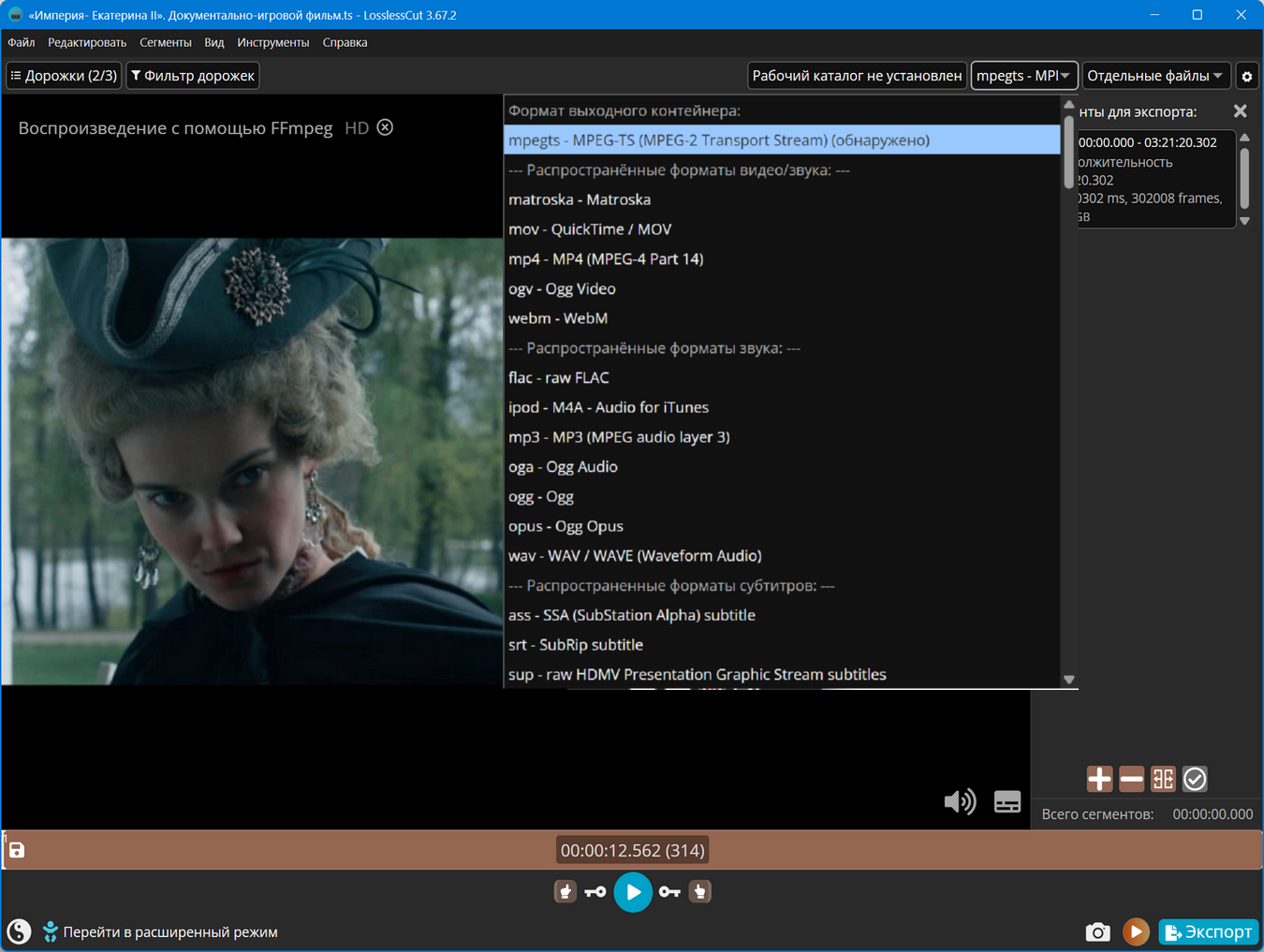
Program version: 3.67.2
Official website: Mikael Finstad (mifi)
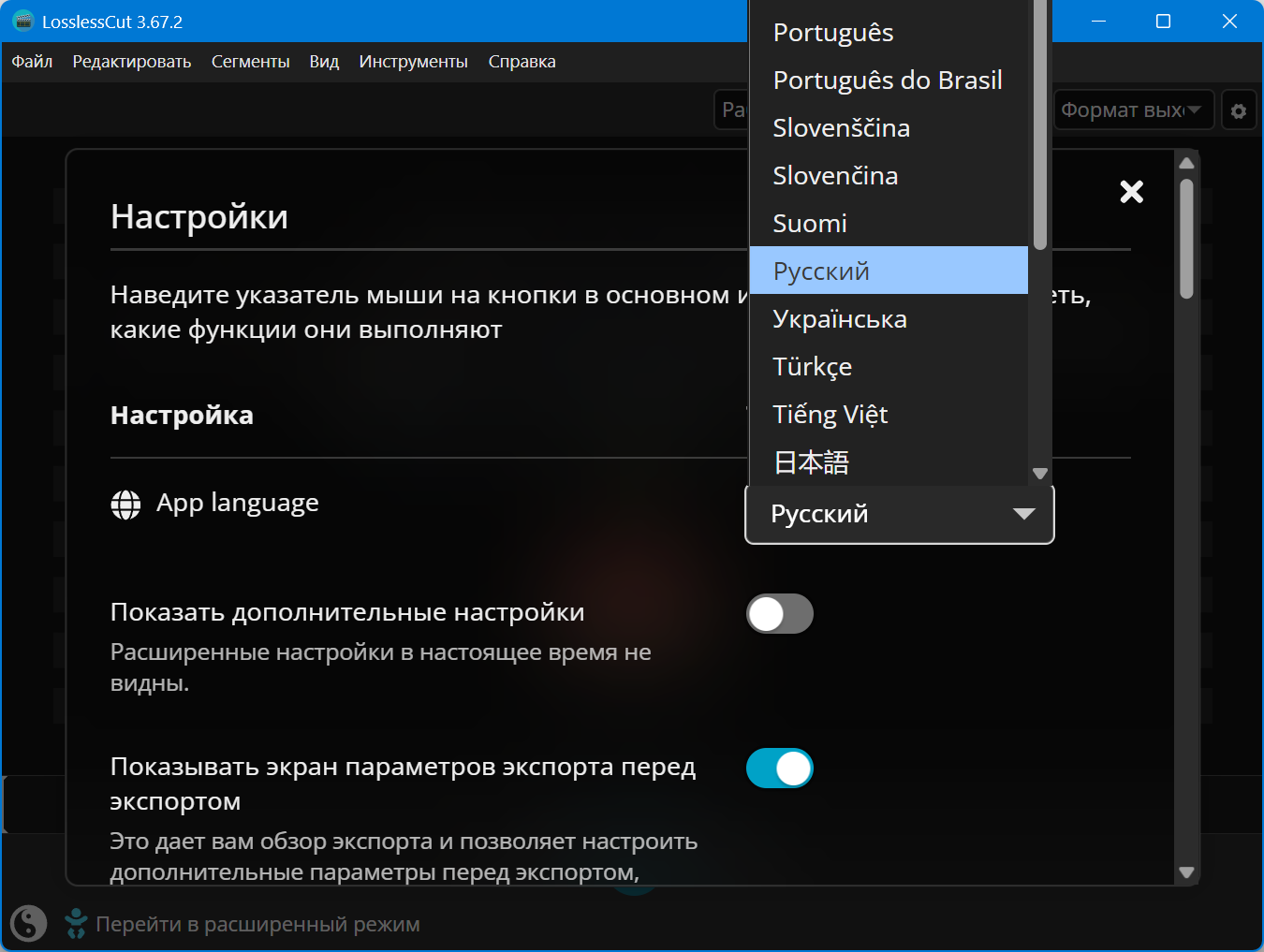
Interface language: Russian, English and others
Treatment: not required
System Requirements:
- Windows 10 | 11 (x64)
Description:
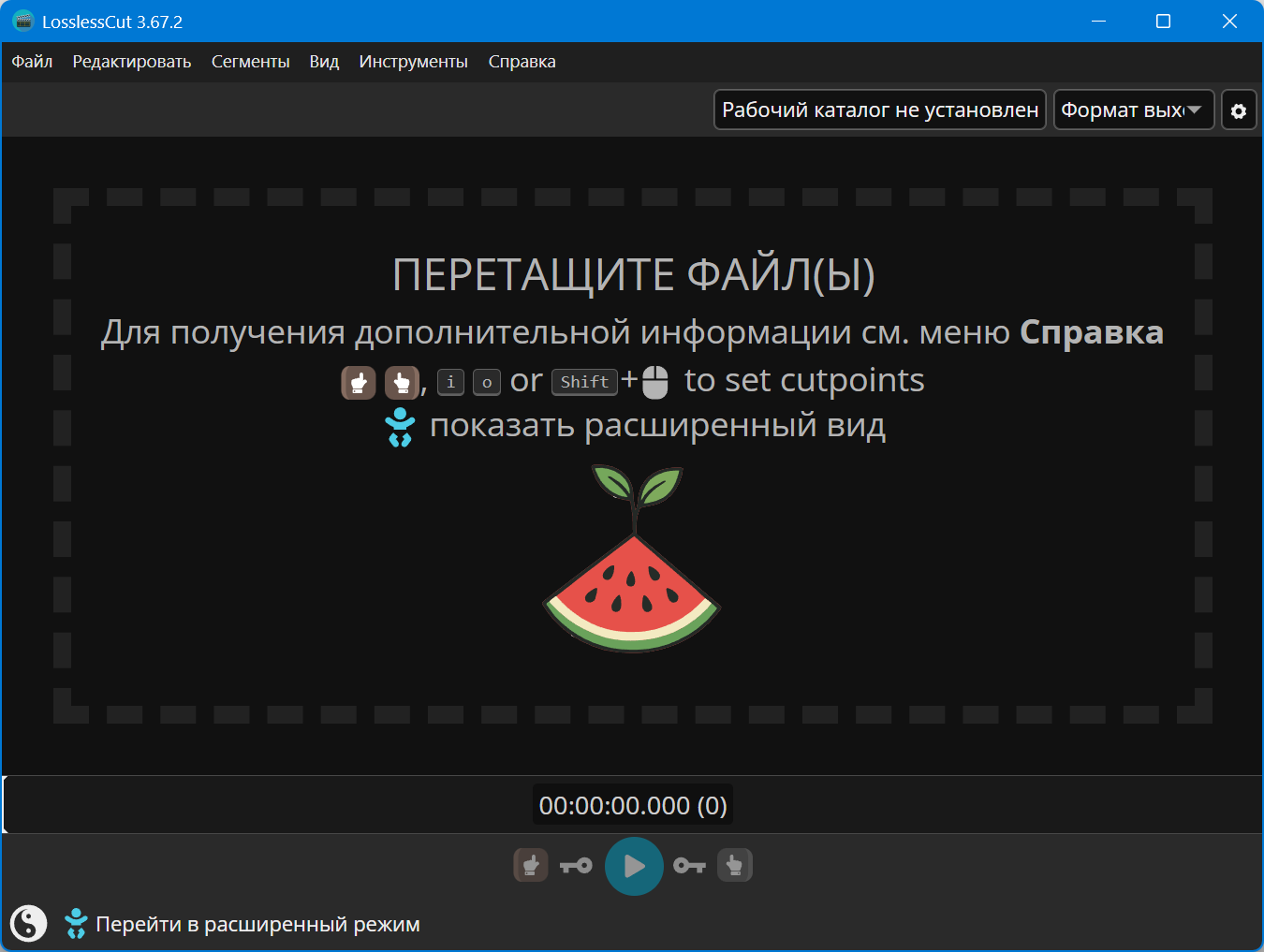
LosslessCut is a simple video editor for cutting media files without losing quality. Doesn’t do any decoding/encoding and is therefore extremely fast. The cut fragment instantly appears next to the source. Makes merging of selected segments and merging of arbitrary files (with the same codecs) lossless. Extracts lossless video, audio and subtitles. It also captures frames in JPEG/PNG and cuts audio files in common formats.
LosslessCut is based on Chromium and uses an HTML5 player to play video/audio, and uses the capabilities of FFmpeg libraries to cut them.
Works in windowed and full screen modes. There is support for hotkeys.
- Quickly trim video and audio without loss of quality. The cut fragment instantly appears next to the source.
- “Reduce Keyframes” mode. Enabled by default.
- Merging selected segments without loss of quality.
- Merging arbitrary files (with the same codecs).
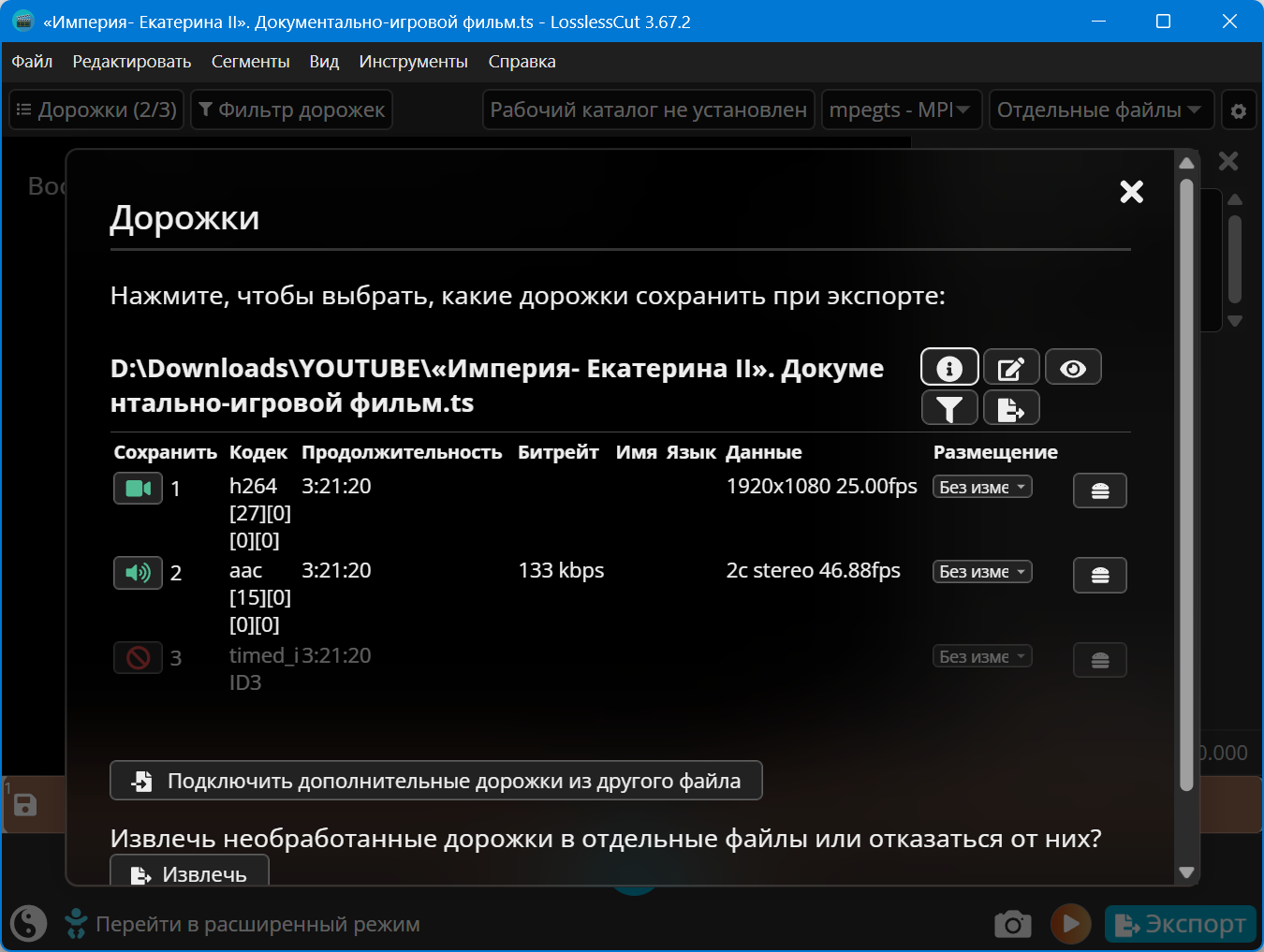
- Lossless extraction of all data streams from a file (video, audio, subtitles, ++)
- Ability to take full resolution photos from JPEG and PNG videos.
- The file may contain more than 2 audio streams or no audio track at all; it can be deleted (optional).
- Manually enter the crop range on the timeline.
- Adding multiple trim points has been implemented.
- Ability to change rotation/orientation metadata in video. Relevant for videos shot on a smartphone.
- MP4, MOV, WebM, MKV, OGG, WAV, MP3, AAC, H264, Theora, VP8, VP9
For more information about supported formats/codecs, see here: https://www.chromium.org/audio-video
Unsupported files can now be reflowed (fast) or encoded (slow) to a friendly format/codec from the File menu. The processed version will open in the player. Trimming will still be done using the original file as input, i.e. lossless. This potentially makes it possible to open any file that FFmpeg can decode.
- Only work if enabledENGEnglish keyboard layout
H— show/hide the list of hotkeys
CTRL+O— open the file (or simply drag it into the program window)
SPACEAndK– play/pause
I— starting point of trimming,O— end point of fragment trimming
+— add a new segment on the timeline
BACKSPACE— delete the selected segment
Click the button✂or keyEto export the desired piece of video
Click the button📷or keyWITHto take a full-size screenshot
J– slow down video
L— speed up the video
<— rewind (1sec.)
>— fast forward (1 sec.)
.button left to rightSHIFT– tiny fast forward stroke
,button left to rightSHIFT– tiny rewind stroke
F11— enable full screen mode (and back)
It saves all settings in the c:\Users\%user%\AppData\Roaming\ folder and does not delete anything after closing.
Distribution time: at least until the first 5-7 downloaders appear

| [ NullPk]_LosslessCut 3.67.2 Standalone.7z.torrent | ||
Torrent:  |
Registered
|
Download
|
| Registered: | 17 Dec 2025 00:49:23 | |
| Size: | 125 MB () | |
| Rating: | (Voices: 7) |
|
| Thanked: | 27 | |
| Examination: | Design verified by moderator 17 Dec 2025 00:52:37 | |
| How to download · How to distribute · Correctly format · Raise the ratio! | ||

Click On Magnet For Download Must Have Torrent Downloader