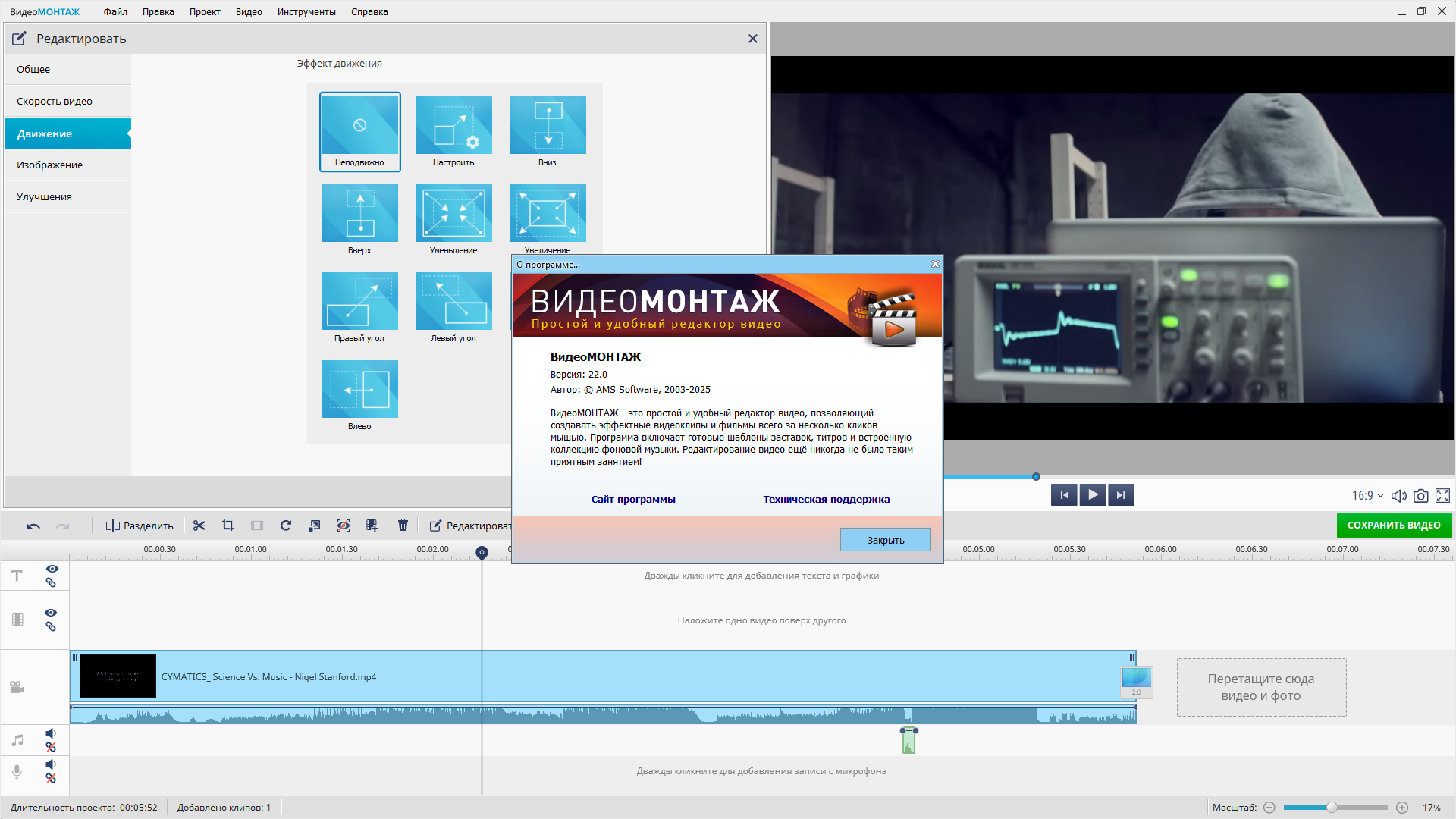
Program version: 22.0
Official site: AMS Software
The official website of the collector: Lrepacks
Interface language: Russian
Treatment: not required (The installer is already treated)
System requirements:
- Windows 7 /8 / 8.1 / 10 /11 (32/64 bit)
Description:
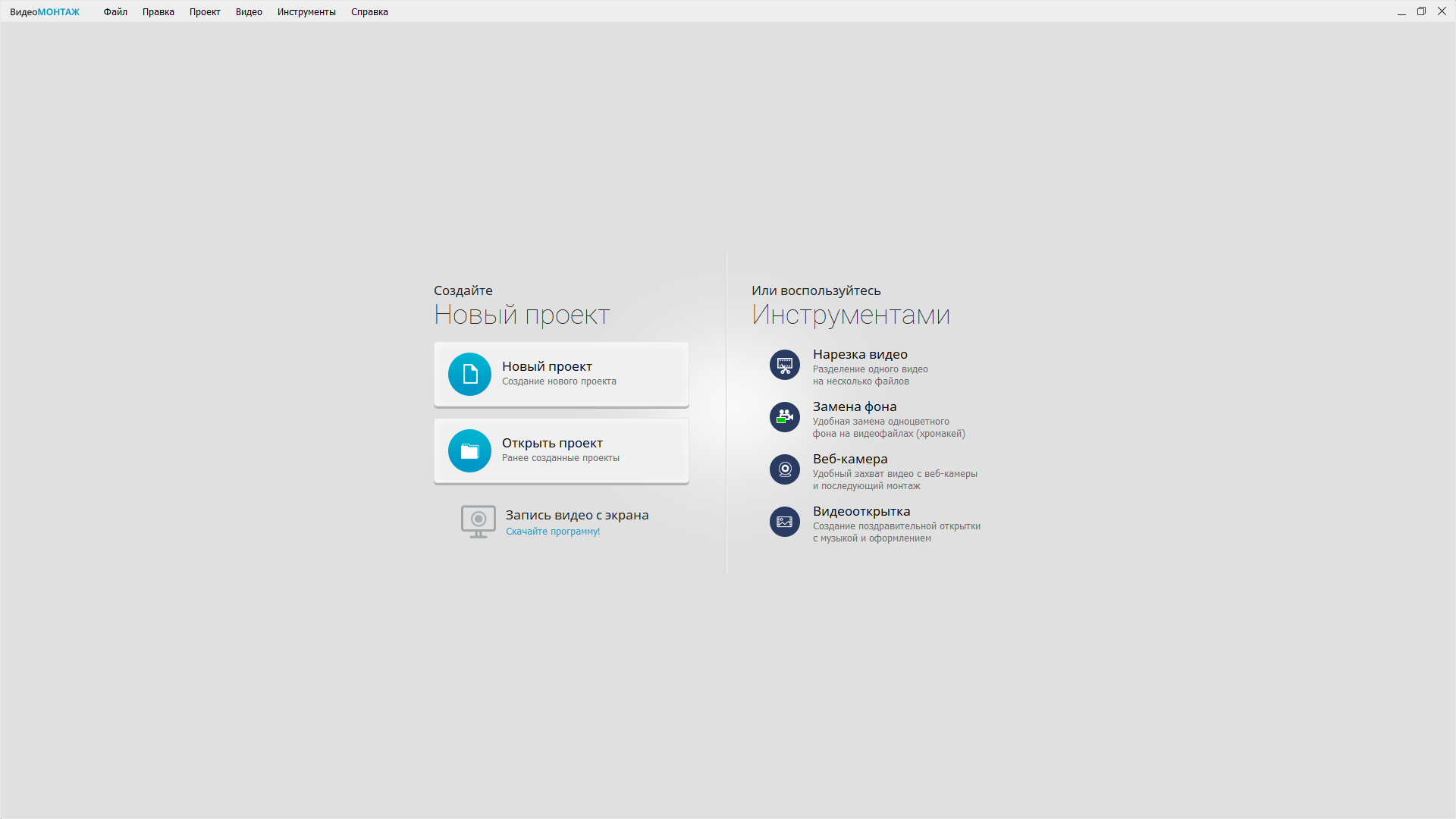
Video editing is an incredibly affordable and convenient video editor that allows you to easily create spectacular videos and exciting films at home. In just 5 steps you will get an excellent video with beautiful transitions, titers, effects and background music.
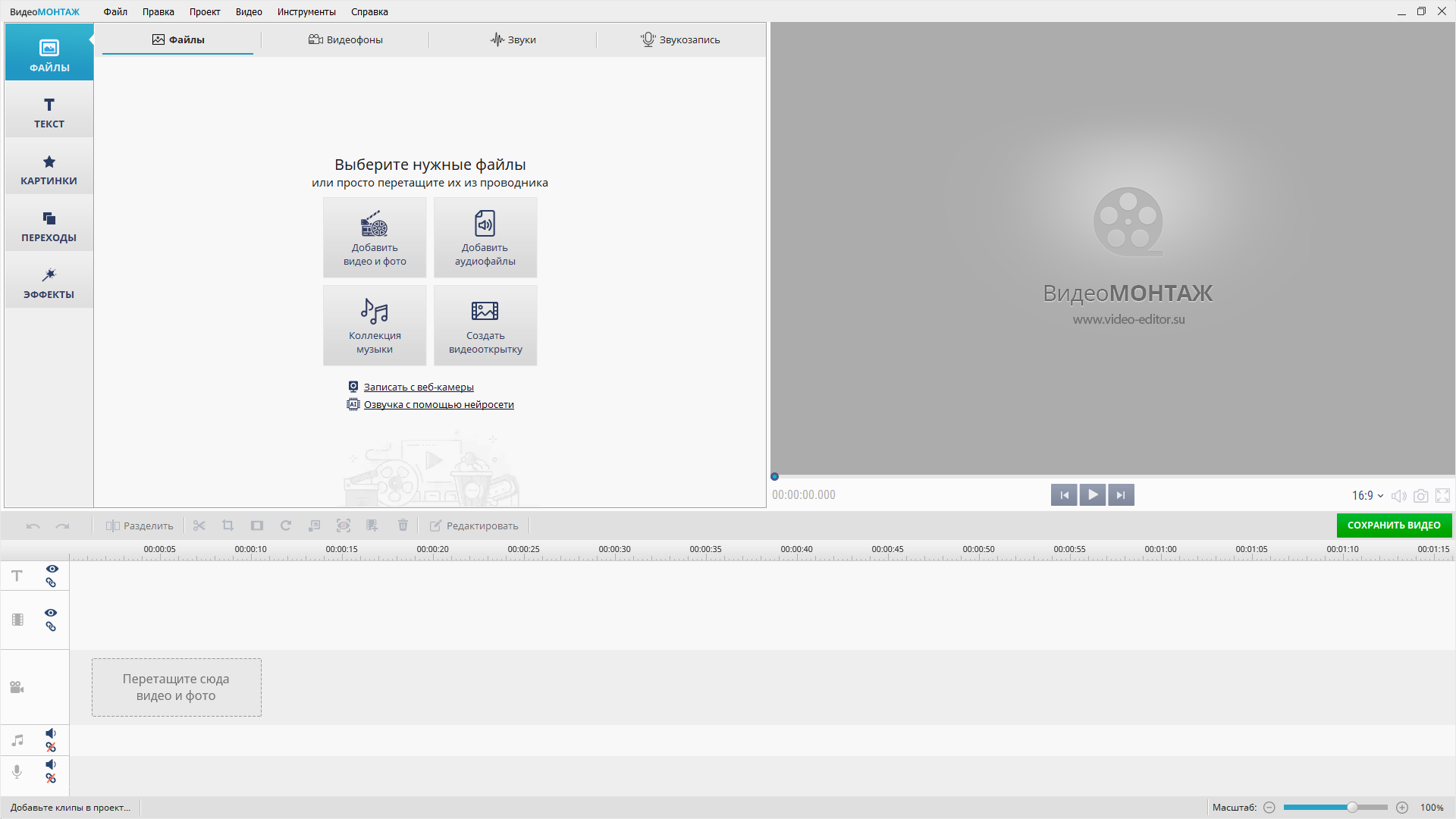
- Installation of the video – in a couple of clicks!
Convenient adding videos
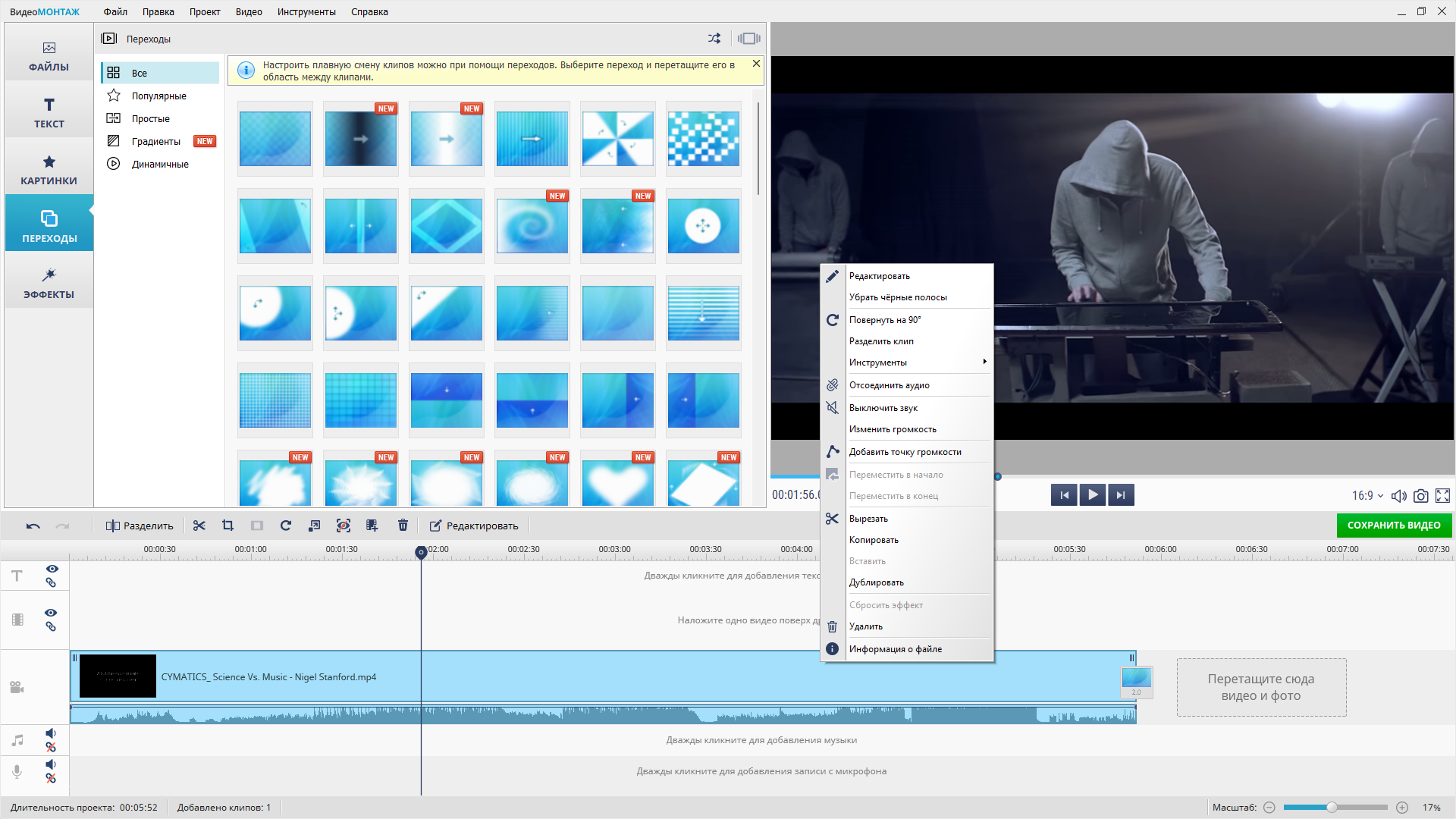
Creative transitions between clips
Light pruning video fragments
Creating a film from photos and videos
A visual Russian -speaking interface - Working with any video formats
Support AVI, MP4, MPEG, 3GP, MOV, VOB, MKV, etc.
Video editing with HDV, HD, DV and webcam
Import Video from tablets and mobile phones
Support for video records SD, DVD and HD quality
Gluing videos recorded in different formats - Simple video editing program
Unique filters and special effects
Text and graphics on video
Effective improvement in the quality of the roller
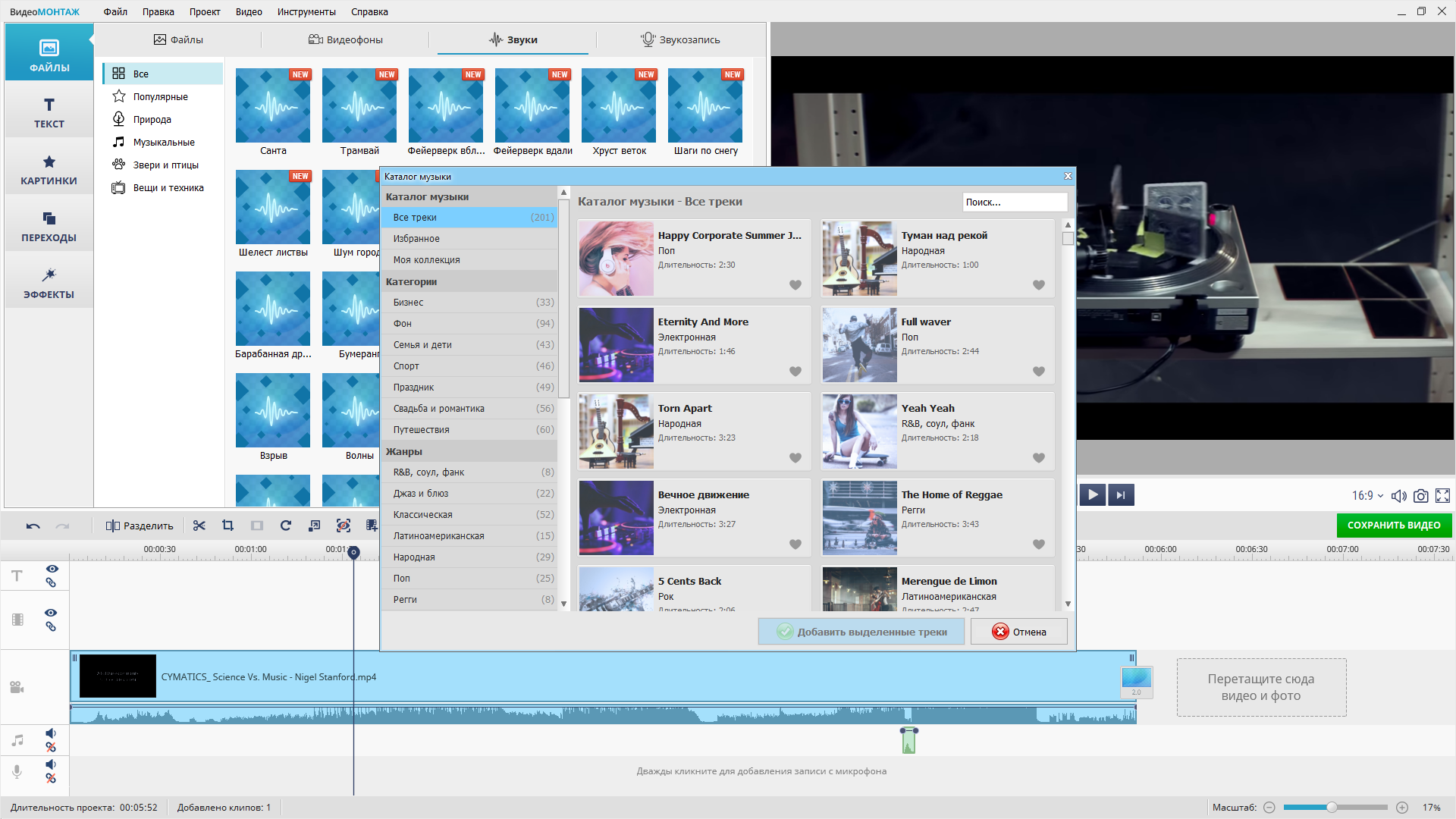
Convenient adding music and sound replacement
Built -in collection of background melodies - Writing video for mobile devices
Creating videos for phones and players
Ready -made presets for Apple iPhone, iPad and iPod
Adaptation of video for devices based on Android
High quality and compact size
Watching the created video anywhere! - Creating a high -clad video
Maintenance of rollers in resolutions 720p and 1080p
Preparation Full HD Video Great Quality
Convenient quality setting and size video
Damage of the video on all modern PCs
Generation of video files for LED TVs - Creating DVD and other possibilities!
Post -edited video on DVD disk
A rich selection of interactive menu templates
Fast download of created videos on YouTube
Ready -made profiles for VKontakte, Facebook, etc.
Writing a video in Flash, Quick Time, etc. - Several facts about the video editor
Film in 5 minutes
The video editor is equipped with a visual interface that can be mastered in just a couple of applications. Select the videos, add special effects and transitions, use musical accompaniment – and your video is ready! - The catalog of music
At the disposal of users – a built -in collection of background melodies of various styles and directions. Using it, you can in an original way to make a video record and give them a stylish, interesting sound. - Sachses and credits
Want to make a professional video installation? Use titular screensavers and explaining credits in the video. The program for editing the video “Video Montazh” contains dozens of templates of screensaver for every taste.
- The absence of even the smallest noise and blurry when receiving the final video;
- Extremely pleasant video editing system;
- The application is implemented in Russian;
- There is an impressive catalog with animated transitions;
- The ability to create video congratulations;
- The highest quality of sound tracks;
- A huge range of screensavers and credits;
- A whole base of built -in tools and filters responsible for one hundred percent improvement of video;
- The ability to quickly record finished content on discs, as well as downloading on the Internet;
- Support of more than 40 video formats;
- The developer constantly updates his video installation application.
- 1. The installation of a program combined in one distribution or unpacking portable (Portable App format) version
2. Does not require registration (patch PAWEL97)
3. The language of the Russian interface
4. Added additional templates
5. The possibility of using an alternative collection of music (picked up by a turnip)
6. Proises the external settings file settings.reg (if located next to the installer)
“Quiet” installation with keys /Silent or /VerySilent (or file “Silent Install.cmd”)
For a “quiet” installation of a portable version, an additional key /Portable = 1 (or file “Unpack Portable.cmd”)
- Alternative “Collection of music” (from the previous version)
The contents of the Audio folder (if located next to the repack when installing or unpacking Portable is automatically copied into the folder:
- %Appdata%\ AMS Software \ Videomontagh \ Audio \ Musiclibry \ Audio – for installation
. \ Data \ Videomontagh \ Audio \ Musiclibry \ Audio – for unpacking Portable
Additionally, the task of “use an alternative collection of music” should be chosen
Remove the box at will.

| [ NullPk]_Videomontazh 22.0 Repack (& Portable) by Elchupacabra + Music Library.torrent | ||
Torrent:  |
Registered
|
Download
|
| Registered: | 05 May 2025 05:59:06 | |
| Size: | 1.25 GB () | |
| Rating: | 4.8 (Votes: 114) |
|
| Thanked: | 359 | |
| Examination: | The design was verified by the moderator 05 May 2025 09:42:26 | |
| How to download · How to distribute · Correctly arrange · Raise Ratio! | ||

Click On Magnet For Download Must Have Torrent Downloader
![Fonts – 100% free Cyrillic fonts By Denis Ignatov [OTF]](http://nullpk.com/wp-content/uploads/2024/01/spacer-520x293.gif "Fonts – 100% free Cyrillic fonts By Denis Ignatov [OTF]")