Softwarev1.0Public
SketchUp Pro 2026 26.2.243 [Multi/Ru]
SketchUp Pro 2026 26.2.243 [Multi/Ru]
Program version: 26.2.243
Official website: link
Interface language: Russian, English, etc.
Treatment: included
Medication type: file replacement
System requirements:
Description:
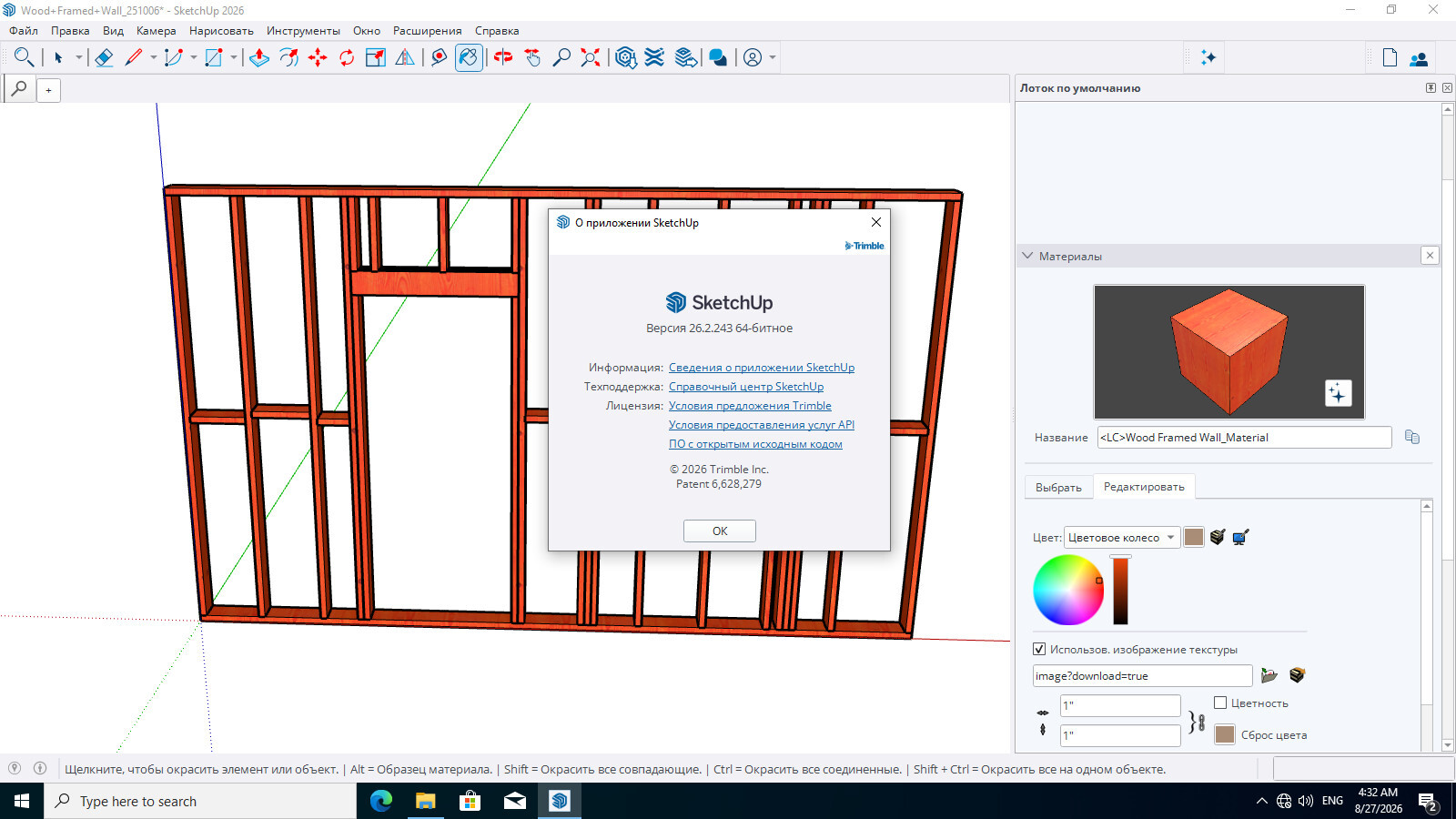
SketchUP Pro is a professional version of the application that allows you to create 3D models, demonstrate them as a presentation, and share them. The program will be useful wherever there is a need to use 3D models, be it designing an extension for a house, teaching geometry to schoolchildren, or creating a model for Google Earth. A variety of simple tools and an intelligent drawing system make it easy to create and edit models, export them, create a video, or print the results of your work. Instead of entering coordinate values, you can use a multifunctional system for controlling the location of an object using labels, text prompts, and lines of different colors. Using tools is as close as possible to real life, because it is much easier to learn and, most importantly, remember how to use them. What's New in SketchUp 2026
Program version: 26.2.243Official website: link
Interface language: Russian, English, etc.
Treatment: included
Medication type: file replacement
System requirements:
- An internet connection both to install and authorize your subscription.
- .NET Framework version 4.5.2
- OS: Windows 11 (x64)*
- CPU: 2+ GHz
- RAM: 8 GB
- HDD: 6 GB
- GPU: A modern GPU with at least 8GB VRAM. SketchUp’s classic renderer requires OpenGL 3.1 support.
Description:
SketchUP Pro is a professional version of the application that allows you to create 3D models, demonstrate them as a presentation, and share them. The program will be useful wherever there is a need to use 3D models, be it designing an extension for a house, teaching geometry to schoolchildren, or creating a model for Google Earth. A variety of simple tools and an intelligent drawing system make it easy to create and edit models, export them, create a video, or print the results of your work. Instead of entering coordinate values, you can use a multifunctional system for controlling the location of an object using labels, text prompts, and lines of different colors. Using tools is as close as possible to real life, because it is much easier to learn and, most importantly, remember how to use them.
Windows 7, Windows 8, Windows Vista, Windows 10 - These versions of Windows are no longer supported, and SketchUp no longer tests features and bugs in these older versions. Although the software may still work correctly, there may be some problems with features that have not been tested.
- Create, document, and present a design using one single drawing.
- Draw, modify, measure, rotate, scale, and move geometric shapes.
- Arrange and annotate multiple scaled images on one page
- Buildings, furniture, interiors, civil structures and much more are designed in minutes.
- Export 3D models to CAD and other 3D formats
- Export 2D vector images
- Model shadows in real time for any area on Earth.
- Create multi-page documents and presentations
- Create customizable elements and markings for presentations using 2D vector tools
- Create rendering effects in the form of sketches and fog, sign models with 3D text, logos and watermarks
- Match existing models to background images
- Get professional support via email
- Use accurate dimensions and specify them using text.
- Set cut planes for viewing and working inside models.
- Use pre-made textures in models, such as brick, wood, tiles, glass, or create new textures.
- Add pre-made components, such as trees, cars, doors and windows, as well as people, or create new components.
- Smooth surfaces.
- Simulate camera placement in space.
- Use organic modeling (using Sandbox).
- Import 2D images (.jpg, .png, .tif, .tga, .bmp) and 3D models (.3ds, .dem, .ddf, .dwg, .dxf, .skp).
- Export 2D images of models - JPEG (.jpg), png, tif, tga, bmp
- Placing SketchUp models in Google Earth is done using the Place Model command. Export a Google Earth file directly to KMZ format.
- Share models in a 3D model service.
- Print the portion of the model displayed in the SketchUp drawing area.
- Print and export raster images at a selected resolution.
- Export animations and passes in MOV or AVI files.
- Export to 2D formats: PDF, EPS, Epix (.epx), AutoCAD (dwg, dxf)
- Export 3D models to formats: 3DS, AutoCAD (dwg, dxf), fbx, obj, xsi, vrml
- Using SketchUp, you can do the following:
- Draw, modify, measure, rotate, scale and move geometric shapes.
- Use precise dimensions and specify them using text.
- Set cut planes for viewing and working within models.
- Use pre-made textures in models, such as brick, wood, tiles, glass, or create new textures.
- Add pre-built components, such as trees, cars, doors and windows, as well as people, or create new components.
- Smooth surfaces.
- Simulate shadows in real time for any area on Earth.
- Simulate the location of the camera in space.
- Create passages.
- Create presentations.
- Use organic modeling (using Sandbox).
Import 2D images in the following formats: - JPEG Image (.jpg)
- Portable Network Graphics (.png)
- Tagged Image File (.tif)
- Targa File (*.tga)
- Windows Picture (.bmp)
Import the following 3D models and information. - SketchUp (.skp).
- Google Earth Terrain. Note. It is possible to obtain a current image (black and white image) of the area, which is displayed in Google Earth using the Get Current View button. Two versions of terrain images are imported: 2D and 3D, and you can switch between them using the Switch terrain button. Terrain images are used for reference only and are not included in the model when it is located in Google Earth. The image includes links to the model's latitude and longitude in Google Earth, so they can also be used to study shadows. Google Earth does not export native 3D building models (the buildings that appear when you select the Buildings layer in Google Earth). This information is protected and cannot be distributed without the permission of the copyright holder, therefore, such buildings cannot be imported into SketchUp.
- 3DS (.3ds). Note. To create an imported 3DS file with textures, you must save the texture files in the same folder in which the 3DS file itself will be created.
- DEM (.dem, .ddf)
Exporting 2D images of models. - JPEG image (.jpg)
- Portable Network Graphics (.png)
- Tagged Image File (.tif)
- Windows Drawing (.bmp).
- Export animations and walkthroughs to MOV or AVI files.
- Place models in Google Earth. Placing SketchUp models in Google Earth is done using the Place Model command. SketchUp will automatically detect which version of Google Earth you are using (3 or 4) and create the corresponding KMZ file. (Newer versions of SketchUp and Google Earth now support displaying textures and images in Google Earth.)
- Export a Google Earth file directly to KMZ format (Google Earth 3 or 4). Google Earth 3 files can be viewed in both versions of Google Earth, but textures are only visible in Google Earth 4. Google Earth 4 files will not be visible in Google Earth 3.
- Sharing models in a 3D model service. When you submit models hosted in Google Earth, SketchUp (.skp) and Google Earth 3 (.kmz) files will be created. If you have a new version of SketchUp installed, the upload will also create a Google Earth 4 (.kmz) file.
- Print the portion of the model displayed in SketchUp's drawing area.
- Print and export raster images at the resolution you choose.
- Create additional programs using the Ruby programming language.
- SketchUp Pro is a tool 3D modeling for professional design. The professional version of SketchUp allows design professionals to analyze and connect complex design ideas. In addition to all the features provided by SketchUp, the following features are also available when using SketchUp Pro:
Export to the following additional 2D formats. - Portable Document Format (.pdf)
- Encapsulated PostScript Format (.eps)
- Epix (.epx)
- AutoCAD (.dwg, .dxf)
Export 3D models to the following additional formats. - 3DS (.3ds)
- AutoCAD DWG (.dwg)
- AutoCAD DXF (.dxf)
- FBX (.fbx)
- OBJ (.obj)
- XSI (.xsi)
- VRML (.vrml)